

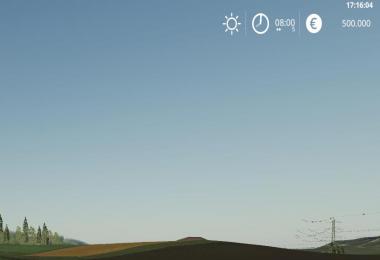
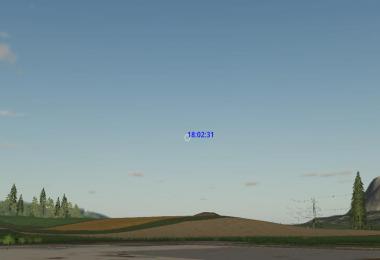
Shows the current real time in the upper right corner.
Changelog 1.1.1.0:
- Create modSettings folder if not existent
Changelog 1.1.0.0:
- Improve description
- Move settings xml to modSettings folder
- Hide clock if huds hidden (gsToggleNoHudAndFlightMode)
This script creates a configuration xml at first startup in your modfolder. There you can adjust the following:
* Position
* isDynamic
true: automatically position the text in the upper right corner considering his dimensions, ignore x and y
false: Use x and y ignoring text dimension
* x, y: the position on the screen, see small illustration below for details
1,0 .. 1,1
0,0 .. 1,0
* Color and size of text
* color: supports the following text values: black, white and all rgba colors seperated by comma in the range [0..1] example king blue "0.25,0.41,0.88,1"
* fontSize: the size of the font to display, a value in the range [0..1], default 0.015. UI Scale is used for calculating the font size to display
* Format of datetime string (placeholders see formats_en.txt)
- 1 Likes
- 4 Comments
- 562 Downloads
-
 1
Downloads in
1
Downloads in
-
 6 years ago


 Report file


COMMENTS
It's not creating any folders. Just making new settings file in the game root folder with even more stupid name: modsSettingsrealClock.xml. Is it so hard for you modders to test your mods before publishing? VertexDezign, shame on you!
Can't you fix that? I don't want to use dirty language here... for now... but omg how fucking much you really suck at this, verteksdesign!!! ;)
Still not fixed... I know it's not big issue, but how f*cking stupid they are, if they say it's working, and it's not? And they actually think they are so great modders… Vertex my ass...
We are to stupid to six this mod, so we won't fix this. You just have to keep the settings file in your game root folder, sry for that guyz. -VerticalfuckzterDisneygeyzzz
Write a comment