

A physics-based third-person camera for BeamNG.drive that behaves like a real FPV drone following your car. The camera isn't attached to the vehicle—it flies behind it on a spring-damper system, using its own inertia to react to the car's motion and pitch depending on acceleration. Designed with drifting and cinematic shooting in mind.
How to use:
- Place the FPVDrone_Camera file in the mods folder.
- Go to Settings -> Camera and enable FPV mode in the order you switch cameras.
- Cycle through camera modes until you reach FPV.
- Open the "Applications" section of the interface and add the FPV camera settings to the screen.
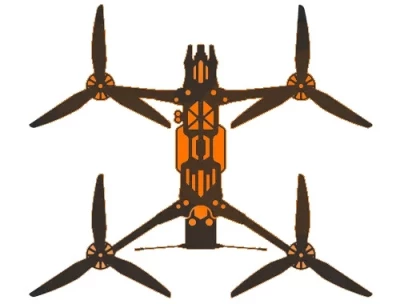
- Click the drone icon to expand the settings panel. Click the X to collapse.
- 0 Likes
- 0 Comments
- 1 Downloads
-
 1
Downloads in
1
Downloads in
-
 1 hour ago


 Report file
 Donate with Paypal

COMMENTS
There are no any comments
Write a comment