

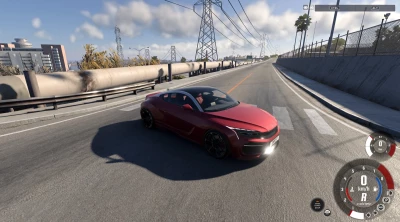


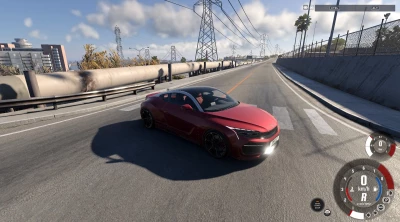
In version 1.1:
- Added a user interface accessible via the "Mods" tab in the pause menu; it allows you to enable/disable TAA and select a preset or custom settings.
- Improved camera behavior; free-look should now work—thanks to Reddit user u/mrockracing.
- Built-in anti-aliasing now disables when TAA is active, and jittering stops when the game is paused.
- Fixed bugs and crashes related to Vulkan.
Not enough eye candy in 0.39? A TAA (Temporal Anti-Aliasing) mod has been released.
Installation: Just drop it into the `mods` folder—that's it! TAA will remain active as long as the mod is enabled in the mod manager.
 Report file


COMMENTS
There are no any comments
Write a comment