

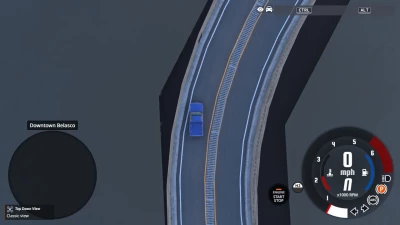


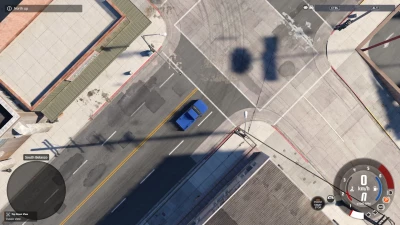
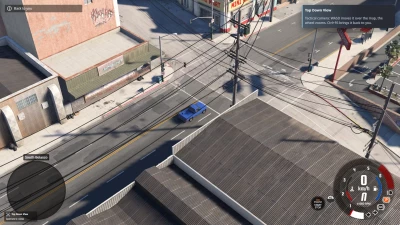
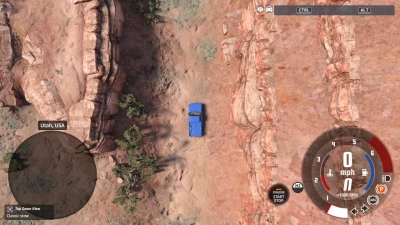
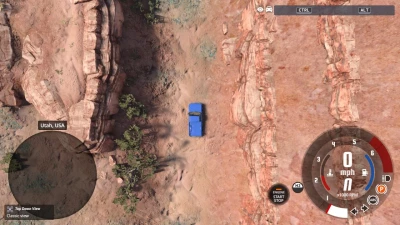
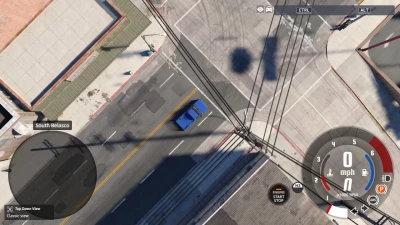
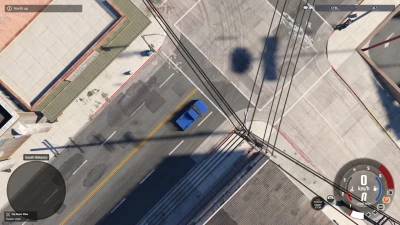
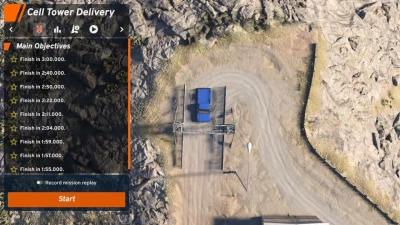
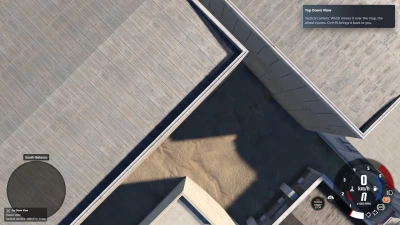
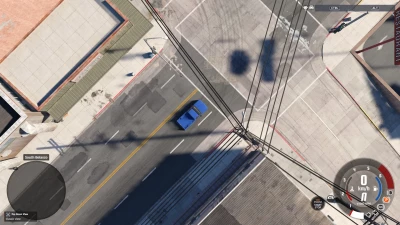
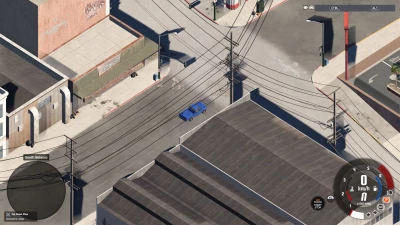
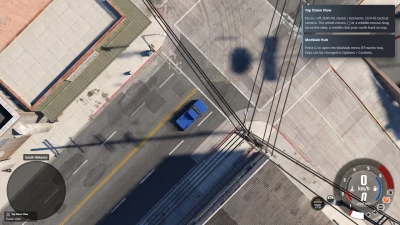
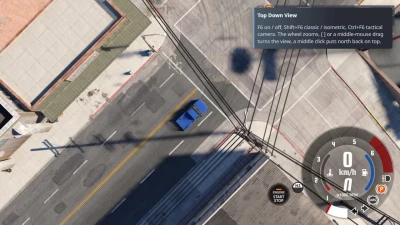
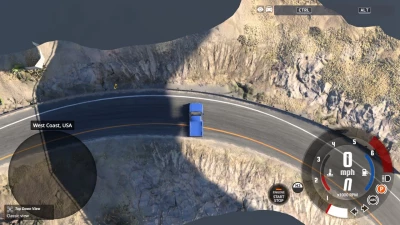
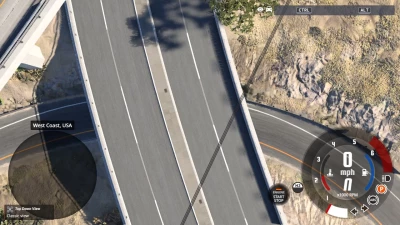
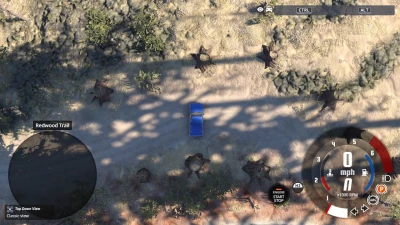
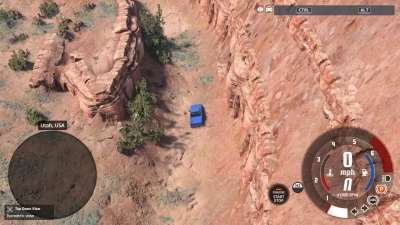
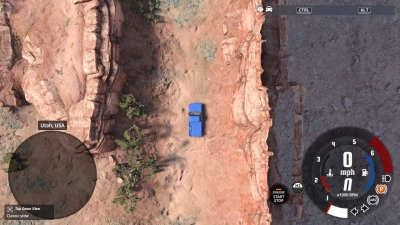
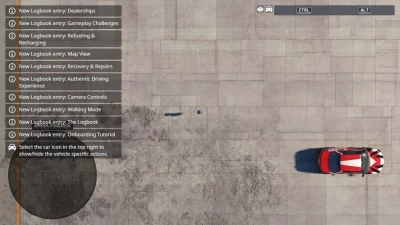
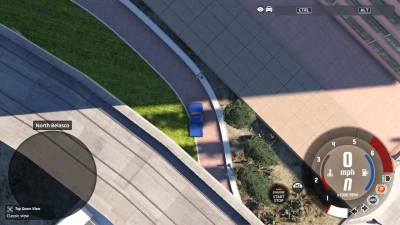
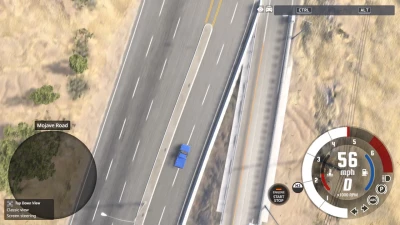
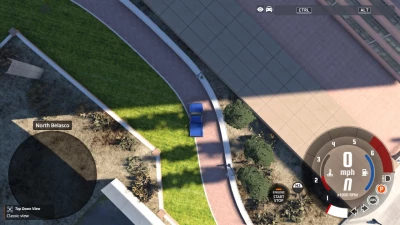
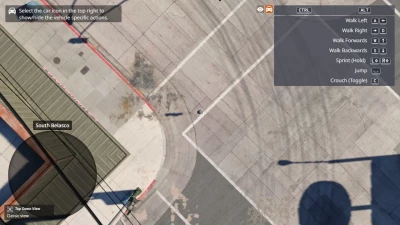
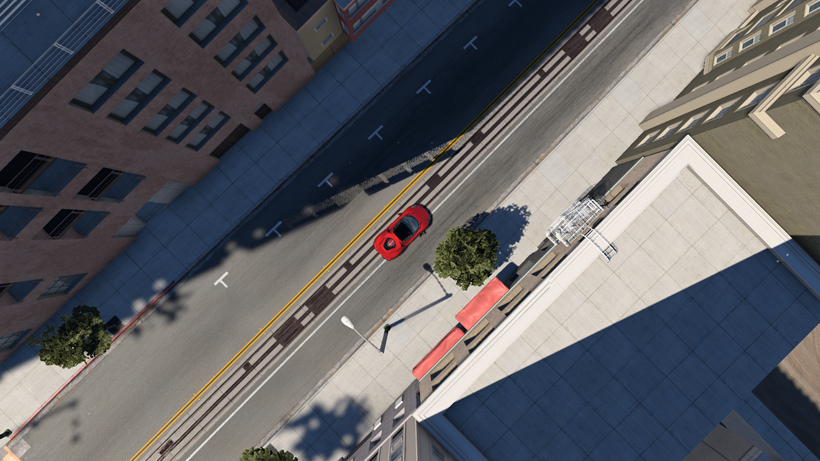
Remember the top-down crime games from the 90s, where you watched your car from high above the city? Or the classic isometric RPGs with that tilted view where every building shows its sides? Top Down View brings both of those to BeamNG. Any car, any map, even on foot. Just press F6 and drive.
And it’s completely free.
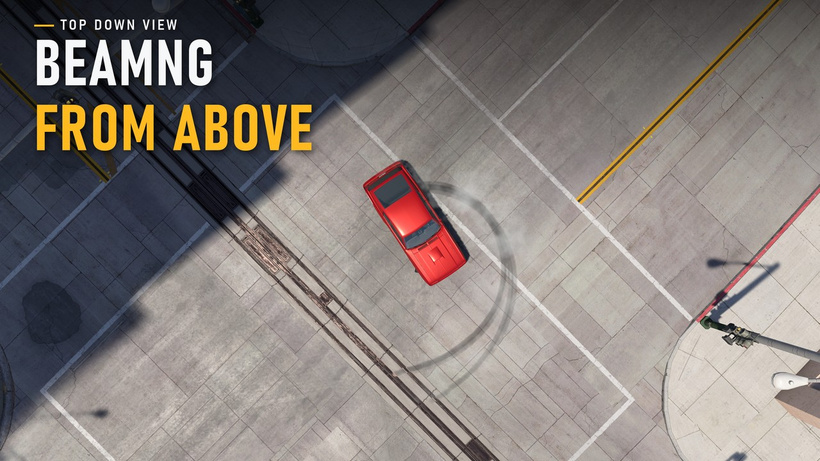 Two views
Classic looks straight down from high above, with north always on top.
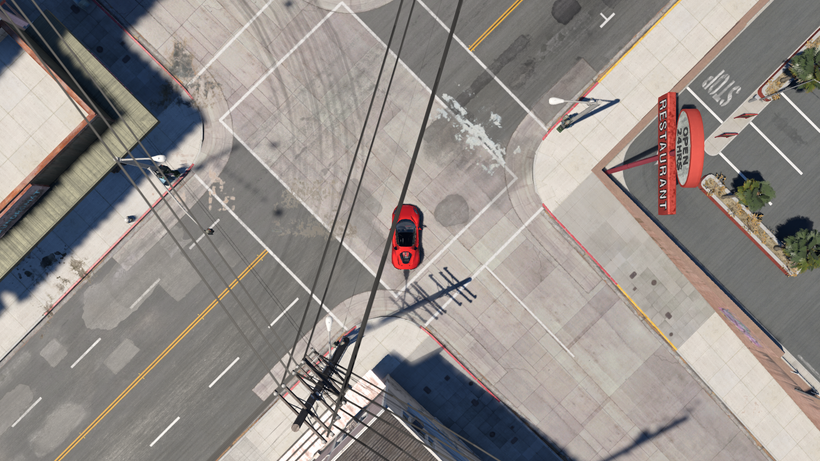
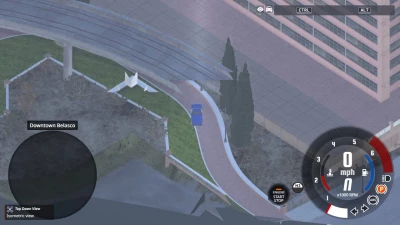
Isometric sits lower and at an angle, so you can see the sides of buildings. Press Shift+F6 to switch, and the camera smoothly glides from one to the other.
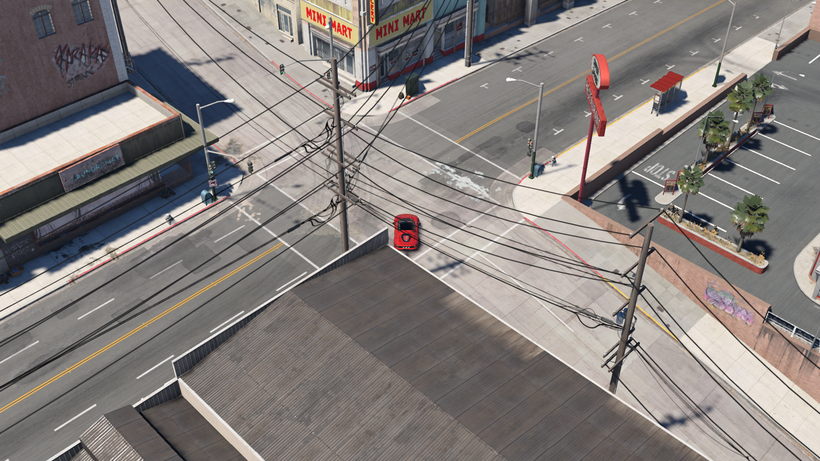 Nothing hides your car
This was the hardest part to get right, and probably my favourite. When you drive under a bridge, into a tunnel or under a roof, whatever is covering you just gets cut away for as long as it’s in the way. The rest of the world stays as it is. Forest roads open up under the treetops, and in isometric view, if a building gets between you and the camera, the view tilts steeper until it can see you again, then goes back once the way is clear.
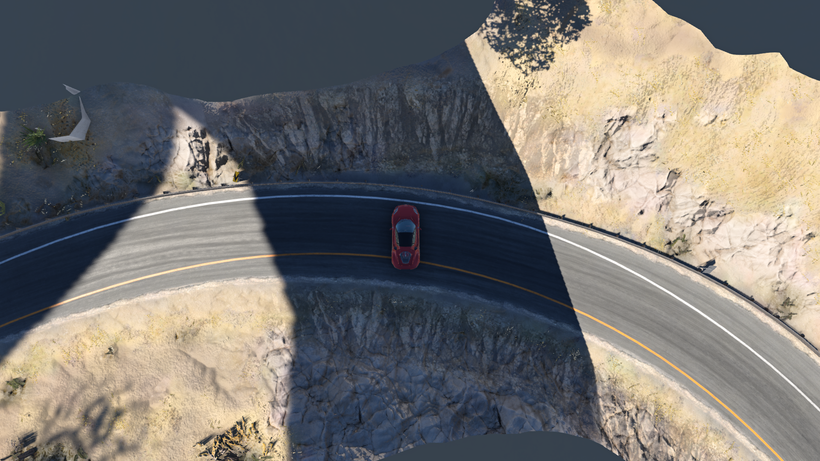
If you want, you can also cut off everything above a certain height all the time. No more wires or trees over the streets, tall buildings open up like a dollhouse, and the hills around you stay untouched.
A camera that drives with you
The faster you go, the more the view zooms out, and it looks ahead to where you’re heading so you’re never driving blind. You can turn it with [ and ] or by dragging with the middle mouse button (which also tilts it), and a quick middle click puts north back on top. The mouse wheel zooms in and out. If you prefer, the view can also turn together with the car instead of keeping north on top.
 A few extras
-
Tactical camera (Ctrl+F6) - leave your car where it is and fly the camera around the map with WASD. It goes up over tall buildings by itself. Press again to come back
-
Steering from the screen - arrow up drives up the screen, arrow left drives left. The car turns, brakes, turns around and even gets itself unstuck on its own
-
Orthographic mode - no perspective at all, so the whole map looks like a diorama. Buildings, signs and trees keep their full detail
-
On foot - W walks up the screen and the camera comes closer
Make it yours
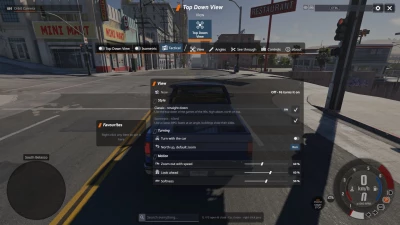
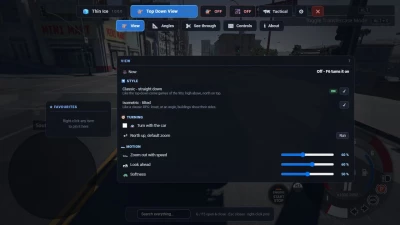
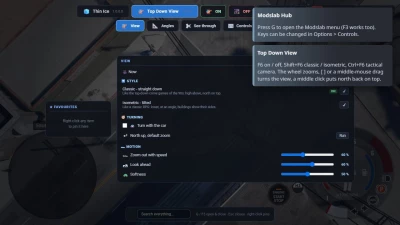
Everything can be tweaked in the Modslab Hub menu (press G), in the Top Down View tab: style, turning, zoom with speed, look-ahead, smoothness, height, tilt and field of view for both views, the roof cut, orthographic mode, screen steering, mouse controls, tactical camera speed and keys. Without the hub the camera just runs on default settings and the keys below.
Keys
-
F6 - Top Down View on / off
-
Shift+F6 - classic / isometric
-
Ctrl+F6 - tactical camera
-
[ and ] - turn the view (only while it’s on)
-
Mouse wheel - zoom
-
Middle mouse - drag to turn and tilt, click for north up
-
C (camera key) - also takes you back to your normal camera
You can change all of them in Options > Controls > Camera.
Requirements
-
BeamNG.drive 0.40
-
Modslab Hub v1.1+ (free) for the settings menu
Version 1.0:
 Report file


COMMENTS
There are no any comments
Write a comment