

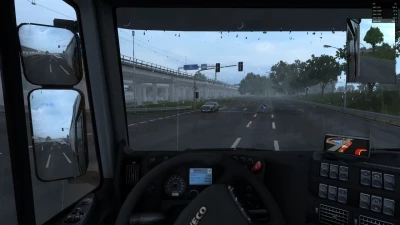
ETS2 Graphics Overhaul
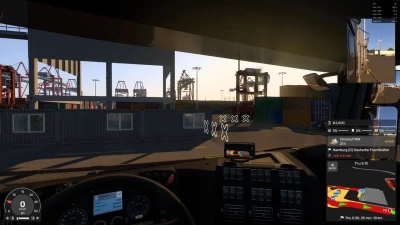
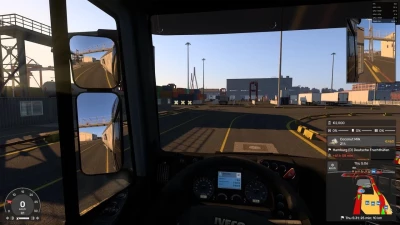
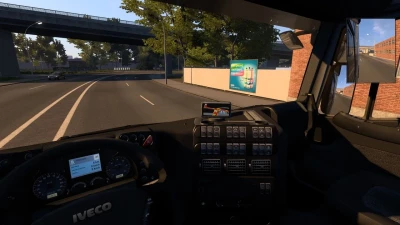
Every effect in the comparisons above has its own sliders and switch.
You adjust them live, while driving, and see the change instantly – no game restart and no digging through files.
Image, Scaling, Atmosphere, Night, Film & glass and Rain tabs, with a (?) description next to every feature.
Right-click a slider to reset it to its default.
Every section has a switch, and a slider at 0 turns the effect off completely.
Save your look as a preset and share it as a single line of text.
Ctrl + Alt + Plus opens the window, Ctrl + Alt + Minus is a quick before/after toggle in game.
Custom hotkeys – a Hotkeys button at the bottom of the mod window. Change the shortcut that opens the window (default Ctrl + Alt + Plus) and the one that toggles the mod (default Ctrl + Alt + Minus). The mod remembers them permanently.
Head motion (test) – Camera tab: the driver's head reacts to driving. It leans when braking and pulling away, gives in to corners and bumps, and glances into the bend. Mouse look works as usual, then the head smoothly returns. Off by default: turn it on in the Camera tab and restart the game. If you use TrackIR or opentrack, the mod leaves them alone.
Effects work at any scaling – below 100% scaling (e.g. 75%), fog, shadows and light work across the whole world again.
Motion blur only in the cab – in outside cameras the tractor and trailer are no longer smeared. Blur works in the cab view, where it looks best.
Nicer cab with FSR / DLSS – the cab interior no longer smears when the head moves.
Structure off by default – on some settings it made the image too sharp. Add it with a slider in the Image tab.
 Report file