



This post has been fully updated to give new and existing members a clean, simple, and easy-to-follow overview of the project.
Along with this revision, I’m also introducing a new Sharpness Update.
If you were experiencing:
visuals that appeared too sharp, or
pixelated skyboxes during specific lighting conditions,
the new sharpening method should noticeably improve overall image quality.
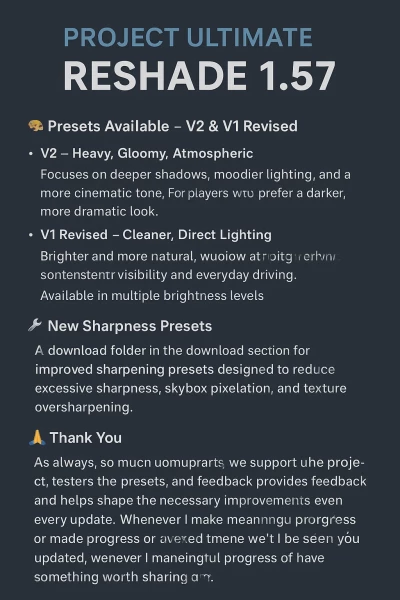
🎨 Presets Available – V2 & V1 Revised
The download folder now includes presets for both V2 and V1 Revised.
These are completely different preset lines, each offering its own visual style and purpose:
V2 – Heavy, Gloomy, Atmospheric
Focuses on deeper shadows, moodier lighting, and a more cinematic tone
Ideal for players who prefer a darker, more dramatic look
Great for screenshots, realism, and immersive driving
V1 Revised – Cleaner, Direct Lighting
Brighter and more natural
A more direct, straightforward lighting feel
Better for consistent gameplay visibility and everyday driving
Also available with multiple brightness levels
Both versions remain fully supported, and you can freely choose whichever style fits your preference or setup.
🔧 New Sharpness Presets
Inside the download folder, you will find a new dedicated section:
➡️ “New Sharpness Presets”
These use an improved sharpening method designed to reduce:
excessive sharpness
skybox pixelation
texture oversharpening
Only a limited number of these presets are included to avoid overwhelming choices, while still giving you the most refined results.
If your current presets work well, you can keep using them—or try the new ones to see if you prefer the updated look.
🙏 Thank You
As always, thank you so much to everyone who supports this project, tests the presets, provides feedback, and helps shape the direction of Project Ultimate. Your input genuinely drives the improvements that come with every update.
With this small update now complete, I will be fully shifting my focus toward developing the Weather Def Mod. This will be the next major step for the project, and I’m excited to push the lighting and visual experience even further.
I’m not entirely sure how long this next phase will take, as this will be my first full project involving weather definitions, but I’ll do my best to keep you updated. Whenever I make meaningful progress or have something worth sharing, you’ll be the first to know.
Thank you all for being here — and as always,
enjoy the drive.
 Report file


COMMENTS
There are no any comments
Write a comment