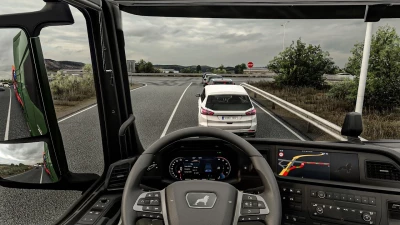


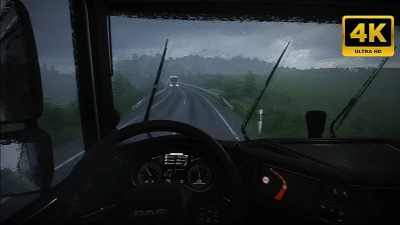
Extract files to Euro Truck Simulator 2\bin\win_x64\
Launch game with DirectX 11 and press FN+END or END key during quick job
Temporal Anti Aliasing/Anti Aliasing Clarity is working with HDR & to use DLAA and DLSS turn off HDR from windows display settings if you are getting black screen
Tested with-
ETS 1.60.1.0s(64 bit)
ProMods 2.83 Maps/Cabin Accessory Pack/Trailer and company pack
Ultimate Graphics Mod ETS2
Real Companies & gas stations
what is working-
1.Temporal Anti Aliasing
2.Tmporal Anti Aliasing Clarity
3.DLAA
4.DLSS Quality Rev.2
5.DLSS Balanced Rev.2
6.DLSS Performance Rev.2
7.DLSS Preset C(Less Ghosting)
8.DLSS Preset D(Less aliasing)
9.DLSS Preset F(smooth)
10.Sharpness/Motion Blur/Color Preset/FXAA
Issues:
1.pausing esc to menu sometimes crashing game so you can disable snowymoon and then can return to menu
2.if your game isn't loading/hang/crash on job menu.set snowymoon to Disabled at game startup and once the job starts set snowymoon menu options
 Report file