

INSTALLATION:
1. Download Reshade + Sweet FX (All files in the zip!)
2. Unrar files and run Reshade setup, choose .exe of the game what you want to apply this preset.
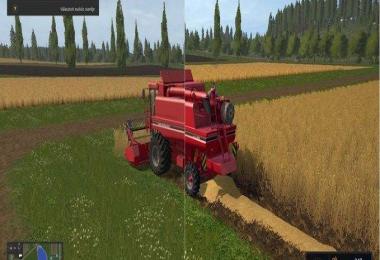
3. Download this preset and rename to SweetFX_settings.
4. Finally open game folder then SweetFX folder and overwrite SweetFX_Settings with my preset.
- 3 Likes
- 0 Comments
- 446 Downloads
-
 0
Downloads in
0
Downloads in
-
 8 years ago


 Report file


COMMENTS
There are no any comments
Write a comment