

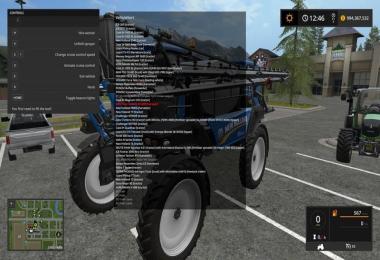
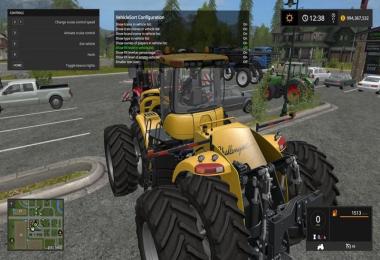
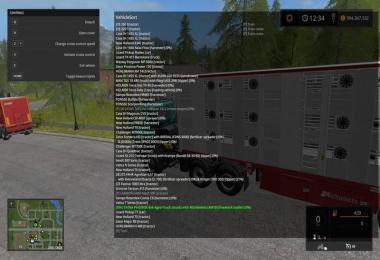
Customize the order in which your vehicles are chosen when using the tab-key or switch by navigating through a list.
Version 2.1.0.0
* Fix bug causing errors while determining vehicle name
* Fix bug causing undesired text and overlay dimensions on some screen resolution aspect ratios
* Fix bug where train cranes were still being considered part of the selection list while hidden from view
* Fix bug with duplicate heading render
* New config option to set background alpha transparency level
* New config option to change text size between 3 sizes
* Improved text wrapping determination
* Dynamic sizing of column widths and background based on size of content
* Cleaned up unused code
* Optimized code
How to use:
Use NumPad or Mouse - can be customized in game options
NumPad 0 or Middle Mouse Button opens list of vehicles in the order you tab through them
NumPad 2 and 8 or Mouse Wheel moves selection in list (green)
NumPad 5 or Left Mouse Button toggles mode to move vehicle in list/tab order (selection turns red)
NumPad [Enter] or Right Mouse Button enters selected vehicle (if it is unoccupied)
NumPad [+] or Mouse Button 4 toggles parking mode (vehicle removed from tab list and prefixed in VehicleSort list with [P])
NumPad [-] opens config menu
If the player is in a vehicle it will appear as bold in the list.
Original Author v0.1-v0.6: Dschonny. Further updates developed and published with permission.
- 0 Likes
- 0 Comments
- 266 Downloads
-
 1
Downloads in
1
Downloads in
-
 7 years ago


 Report file


COMMENTS
There are no any comments
Write a comment