

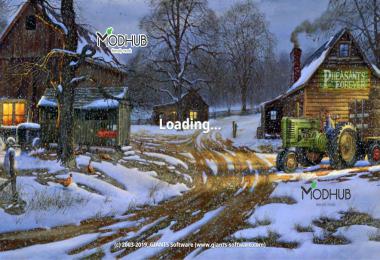


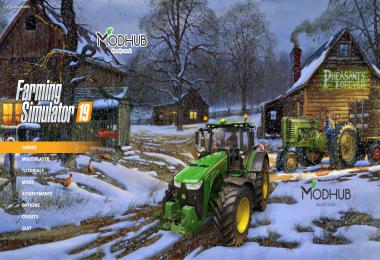
WINTER NIGHT FARM MENU BACKGROUND
[EN]
How insert the background?
* C: Program Files (x86) Steam steamapps common Farming Simulator 19 shared <- just copy the included "splash.dds" and "splashBlur.dds" files, done.
Steam Version:
C:\Program Files (x86)\ Steam \ steamapps \ common \ Farming Simulator 19 \ shared
CD Version:
C:\ Games \ Farming Simulator 19 \ shared
!!!!Before copying, back up the existing "splash.dds" and "splashBlur.dds" files!
Original Upload: ShareMods.com
https://sharemods.com/zqvsb98ch8u1/FS19_Winter_Night_Farm_Menu_Background_by_CrowerCZ.zip.html
Original Upload: Modhub.us
[DE]
Wie füge ich den Hintergrund ein?
* C: Programme (x86) Steam Steamapps Common Farming Simulator 19 Shared <- Kopieren Sie einfach die enthaltenen Dateien "splash.dds" und "splashBlur.dds", fertig.
Steam-Version:
C: \ Programme (x86) \ Steam \ steamapps \ common \ Farming Simulator 19 \ shared
CD-Version:
C: \ Games \ Farming Simulator 19 \ shared
!!!! Sichern Sie vor dem Kopieren die vorhandenen Dateien "splash.dds" und "splashBlur.dds" !!!!
[CZ]
Nakopírujte soubory splash a splashBlur do adresáře s hrou!
Steam Verze:
C:\Program Files (x86)\Steam\steamapps\common\Farming Simulator 19\shared
CD Verze:
C:\Games\Farming Simulator 19\shared
!!!Před nakopírování proveďte zálohu stávajíchí souborů "splash.dds" a "splashBlur.dds"!
 Report file


COMMENTS
There are no any comments
Write a comment