

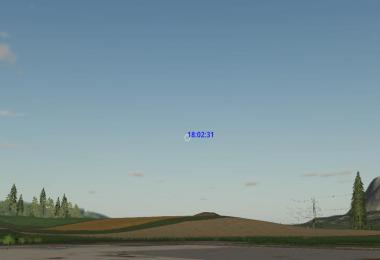
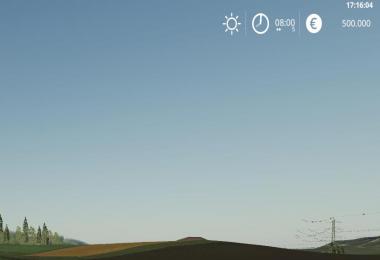
Shows the current real time in the upper right corner.
Changelog 1.1.2.0:
- Fix settings file save place
Changelog 1.1.1.0:
- Create modSettings folder if not existent
Changelog 1.1.0.0:
- Improve description
- Move settings xml to modSettings folder
- Hide clock if huds hidden (gsToggleNoHudAndFlightMode)
This script creates a configuration xml at first startup in your modfolder. There you can adjust the following:
* Position
* isDynamic
true: automatically position the text in the upper right corner considering his dimensions, ignore x and y
false: Use x and y ignoring text dimension
* x, y: the position on the screen, see small illustration below for details
1,0 .. 1,1
0,0 .. 1,0
* Color and size of text
* color: supports the following text values: black, white and all rgba colors seperated by comma in the range [0..1] example king blue "0.25,0.41,0.88,1"
* fontSize: the size of the font to display, a value in the range [0..1], default 0.015. UI Scale is used for calculating the font size to display
* Format of datetime string (placeholders see formats_en.txt)
- 2 Likes
- 1 Comments
- 1515 Downloads
-
 2
Downloads in
2
Downloads in
-
 6 years ago


 Report file


COMMENTS
If you want the full Day of the Week, Month, Day, Year, 12-Hour Time, Minutes, and the AM/PM, Just drop this in the Config file in place of what is there by default.
string="%a %b %e, %Y %I:%M %p"
You can also use any shorter version by mixing and matching from the ones listed here.
%a Day of the Week %I 12 Hour Time (Hour)
%b Month %M Minute
%e Day %p AM/PM
%Y Year
Write a comment