

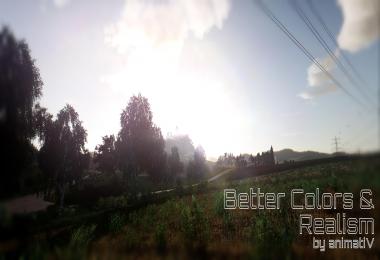


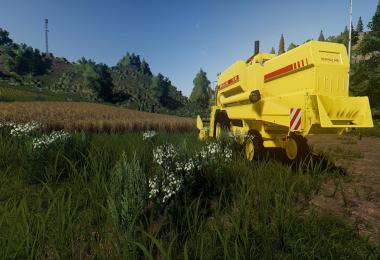
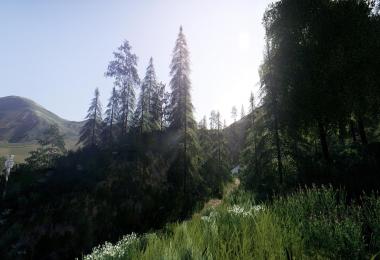
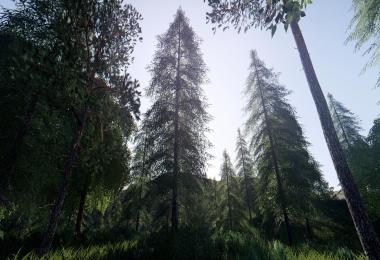
This setting changes the colors to a more natural. Light and solar effects have been added and lightly sharpened the picture.
INSTALLATION INSTRUCTIONS
*This setting was tested on Reshade v4.0.1
*Now supports Reshade 4.0.2 version
Download and install Reshade from: https://reshade.me/
Install in the main game directory (where the .exe file) by selecting OpenGL Paste the downloaded settings file into the same place. In the game, enter the Reshade settings (Home key) and select the downloaded file.
Run in performance mode.
That's all :)
Options that should be included:
- Tonemap,
- FilmGrain2,
- AmbientLight,
- Levels,
- CA,
- LumaSharpen,
- BloomAndLensFlares
Keyboard shortcuts to switch some options:
NUM.1 - Ambient Light
NUM.2 - Levels
NUM.3 - Luma Sharpen
NUM.4 - Film Grain
NUM.5 - Lens Flares
 Report file


COMMENTS
not working...tested with steam version of FS19
Write a comment