



Hey everyone!
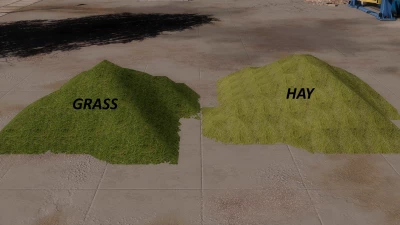
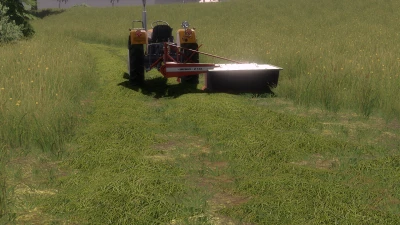
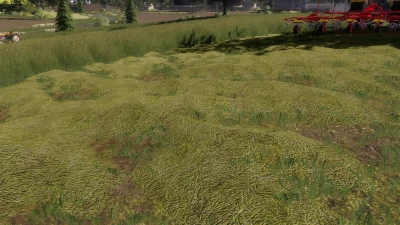
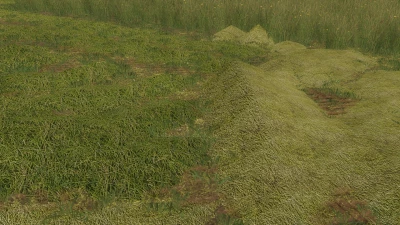
I'm releasing a Grass and Hay texture that I recently made for Farming Simulator 2019. The texture isn't anything special, but I personally like how it looks for FS19 standards. If the color doesn't quite match your grass, I'll leave a little tutorial below on how to change it. And if there's anything you don't understand, the internet should be able to help you out.
!--Tutorial on how to install the textures into the game can be found in the downloaded file--!
-How to change the color to match your own grass (short tutorial):
Download the program "Paint.NET" and install or enable the "DDS" plugin. Open a file such as grass_diffuse. At the top, you'll find "Adjustments", where you can edit the colors to your liking. When you're done, click "File" -> "Save As" and save it somewhere, for example, on your Desktop. Next, change "Save as type" from PNG to DDS. In the first option, select BC3 (Linear, DXT5) and check "Generate mip maps". That's it! Click OK and your edited texture is ready. :))
Have fun playing! ;D
 Report file


COMMENTS
There are no any comments
Write a comment