

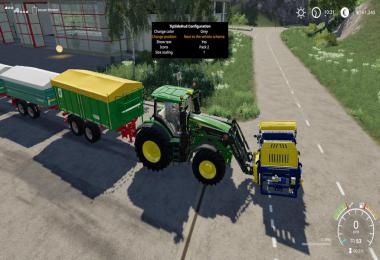
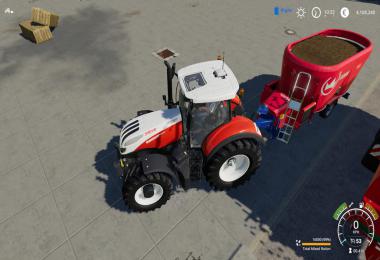
This mod adds a new HUD which shows the tip side of the currently selected implement/trailer. This enables you to hide the help menu, while still
be able to see the currently selected tip side.
Changelog:
1.0.0.1: Fixed - If the main vehicle (e.g. a truck) as well as it's trailer had a tipping functionality, the TipSideHud wasn't shown for the trailer, just for the truck.
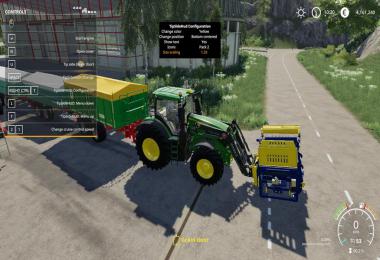
With the right control key and T (RCtrl + T) you can open the configuration menu. Please keep in mind that you can open the configuration menu only when
a tipper/implement which supports multiple tip sides is currently selected (aka: You can already see the tip side HUD)
Configuration options:
- Position
- Color
- Iconset
- Show/hide the description of the tip side next to the icon
- Icon/Text scaling from 0.5 to 1.5 times
The key bindings for the config menu are just visible when it's open. By default the following keybindings are used:
- Key up -> Menu up
- Key down -> Menu down
- Space -> Change menu option
These settings get saved per savegame. In Singleplayer this config file is located at:
modsSettings/TipSideDisplay/savegameXX/Config.xml
In Multiplayer the following save location is used for the client & server:
modsSettings/TipSideDisplay/MP_SavegameName_MapId_MapTitle/Config.xml
- 0 Likes
- 0 Comments
- 192 Downloads
-
 1
Downloads in
1
Downloads in
-
 6 years ago


 Report file


COMMENTS
There are no any comments
Write a comment