



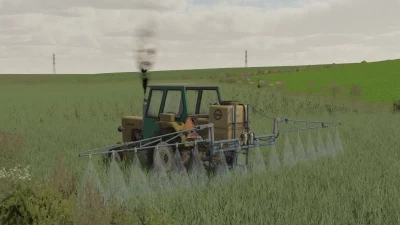
Hiya
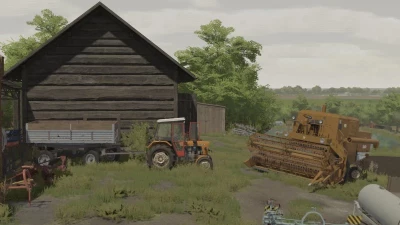
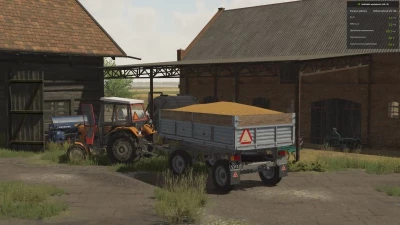
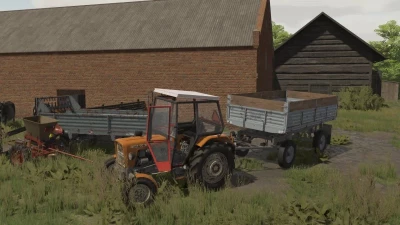
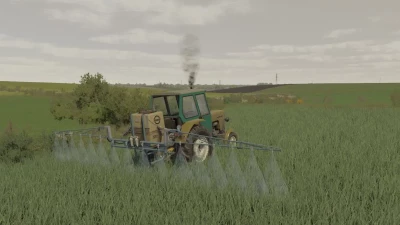
I decided to release my lighting with filters.
Lighting Installation Path: C:\Users\Michal\Documents\My Games\FarmingSimulator2022\modSettings\FS22_additionalGameSettings\lighting - here we put the folder from the file.
Now, in additional settings in the game, select the lighting folder.
If someone wants, you can also put it in the game files to _mapUS_
NVIDIA Filters Installation Path: The file you download contains a text document. When you open it, you will see values to rewrite (Geforce Experience application required).
After pressing ALT + F3, we add filters with the same names and values as in the file.
Have a nice game!
PS: a video with a presentation and instructions will appear on the channel soon, so you can look forward to it
Canal :
https://www.youtube.com/channel/UCn2cvU80ZxFmSchKwkcBedA
 Report file


COMMENTS
There are no any comments
Write a comment