

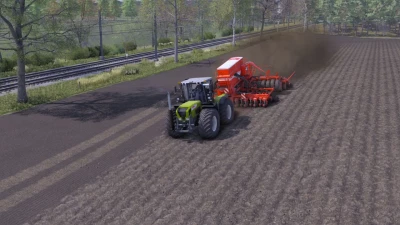
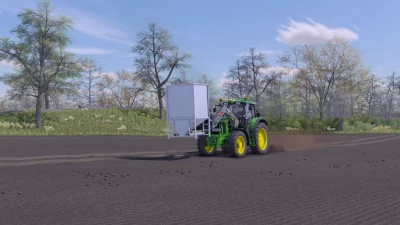
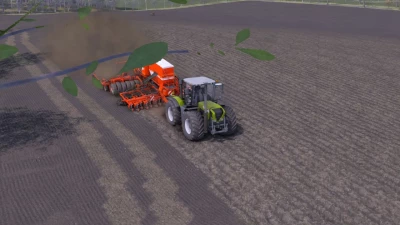
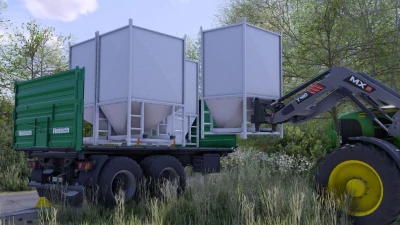
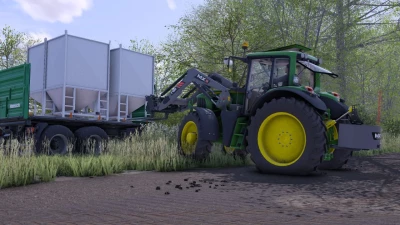
This is The Shader from RentnerModding
HOW TO INSTALL:
U copy the Shader_by_Rentnermodding.ini File
then u go to ur game path
STEAM: C:/Program Files (x86)/Steam/steamapps/common/Farming Simulator 2022/ x64
Digital/CD: C:/Program Files (x86)/Farming Simulator 2022/x64
and paste the File in there.
Colorgrading:
U need to put this into a Map folder on ur game or a Mod Map
STEAM: C:/Program Files (x86)/Steam/steamapps/common/Farming Simulator 2022/data/maps/mapFR
DIGITAL/CD: C:/Program Files (x86)/Farming Simulator 2022/data/maps/mapFR
and Paste the Colorgradig File in there.
To apply the Shader u need Additional Game Setting. If u are NOT playing on the Map u pastet the Colorgrading File in.
- 2 Likes
- 1 Comments
- 157 Downloads
-
 1
Downloads in
1
Downloads in
-
 2 years ago


 Report file


COMMENTS
Ничего не понятно.
Write a comment