

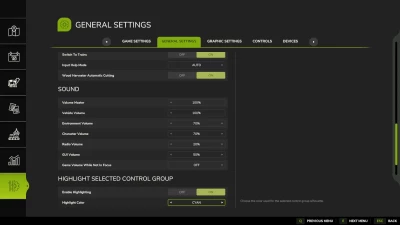
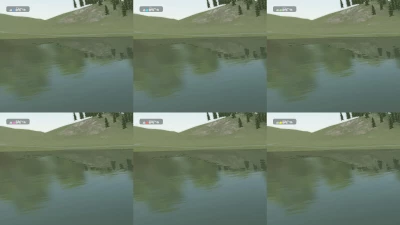
Makes the selected control group's vehicle or implement silhouette easier to see by tinting its default white silhouette with a customizable color.
A silhouette that already has a non-white color, such as when the vehicle or implement is turned on, is left unchanged.
The default highlight color is cyan. The color can be changed in General Settings.
- 0 Likes
- 0 Comments
- 3 Downloads
-
 3
Downloads in
3
Downloads in
-
 1 hour ago


 Report file


COMMENTS
There are no any comments
Write a comment